Find a comfortable rhythm
Explore notes, guide a moving orb, tap falling tiles or time a plane through obstacles.
Rhythm can come from music or from repeating visual cues. The first decision is how you want to interact: free tapping, a continuous drag, precise lane hits, or a single well-timed action.
The three music selections below use different controls. Tap On Time is a visual timing alternative when you want to focus on an obstacle cue instead of a musical note.

Musicat
Start with instrument exploration, then choose a challenge when you want prompts and timing.
Your goal: In instrument mode, play the notes you choose; in challenge mode, follow the indicated panels through the song as accurately as possible.
Open game ↗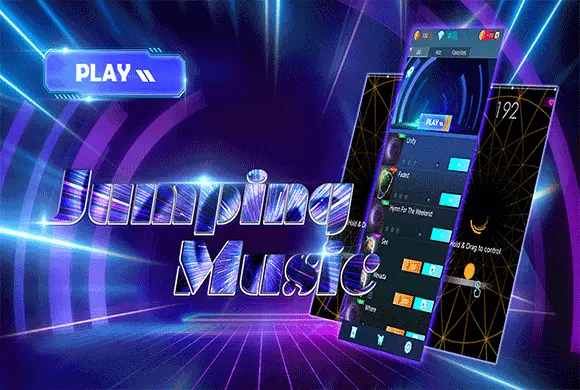
Finger Music
Practice continuous horizontal guidance to meet incoming notes at a baseline.
Your goal: Follow the selected track's notes accurately while keeping the life bar from running out.
Open game ↗
Fingertip Piano
Use distinct lane targets and learn to distinguish short tiles from sustained notes.
Your goal: Follow the song's black tiles without missing one or tapping empty white space.
Open game ↗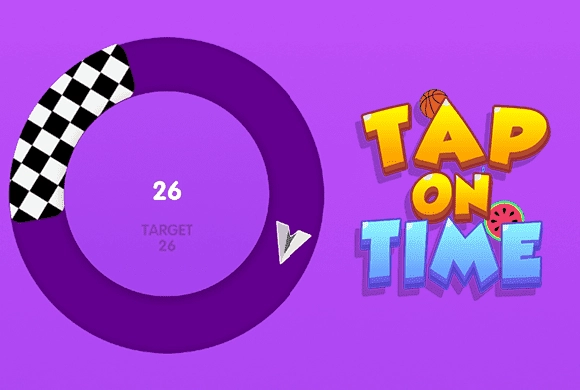
Tap On Time
Try a visual timing change of pace, tapping to guide a plane through obstacles.
Your goal: Guide the plane safely past the obstacles.
Open game ↗Explore before chasing accuracy
Musicat separates free instrument play from its challenges. That makes it a useful place to learn a numbered layout before following prompts. In the other music games, start by understanding where the timing target sits on the screen.
A tap and a hold are different skills
Finger Music keeps contact while you steer an orb sideways. Fingertip Piano asks for individual lane taps, with holds for long tiles. Tap On Time uses a press to guide a plane through obstacles. Switching between them changes what a successful input actually means.
Separate position from timing
If a note is missed in Finger Music, check whether the orb reached the right horizontal position before judging the timing. In Fingertip Piano, check the lane and whether the tile called for a tap or a hold. Musicat lets you explore an instrument layout before following a challenge. Familiarity with the input is a useful first step before pursuing a higher score.