Finger Music: meet the note at the baseline
Finger Music asks for continuous position control. Notes approach through a tunnel, and your job is to bring the orb into the correct horizontal position at the correct moment. This differs from a lane-tapping game: holding and guiding the orb is central to the input.
Controls
Hold & Drag: Press and slide your finger left or right on the screen to control the orb's movement.
Meet the note at the baseline
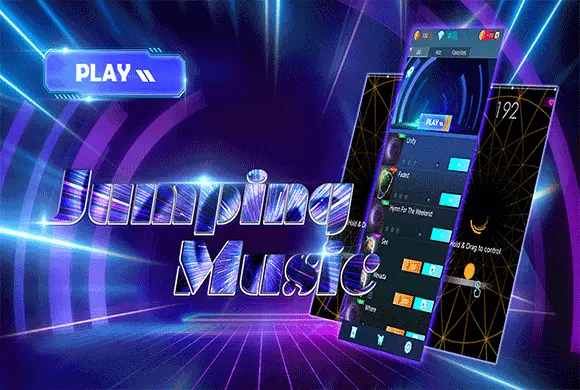
To begin your musical journey in Finger Music, browse the song list in the main lobby and select a track that suits your mood. Once the level starts, a yellow glowing orb will appear at the bottom of a 3D tunnel, and colorful arc notes will fly toward you from the center. Your objective is to guide the orb to hit these notes exactly as they cross the baseline. Hold your finger on the screen and drag it left or right to move the orb.
Precision is rewarded with higher scores—aim for the center of the arc! For long notes, maintain your position to track the trail. Missing notes will deplete your life bar, so stay focused on the rhythm. You can collect stars based on your accuracy, which helps you level up and earn rewards.
Vast Hit Song Library
Play along to high-quality audio tracks of world-famous EDM and Pop hits.
Scalable Difficulty and Unlockable Content
Choose between Easy, Normal, and Hard modes to perfectly match your skill level.
Earn currency through gameplay to unlock premium tracks and build your favorite playlist.
Follow the selected track's notes accurately while keeping the life bar from running out
Look ahead to the next note while using the baseline as the timing reference. Use smaller horizontal corrections near the target instead of large last-second swipes. For a long note, keep following its trail rather than releasing after the initial contact.
Repeated tapping does not replace the hold-and-drag movement. Moving to the correct horizontal position too late can still miss a note.
This guide is based on the supplied game instructions.
Questions about Finger Music
What do diamonds do?
Diamonds can be used to purchase exclusive song packs and special in-game bonuses.
Why is my game lagging?
Ensure you have a stable internet connection for the initial song loading, and try closing background apps.
Something not working?
Tell us the game name, your device and what happened at mia@minigame.xin.