Tap On Time: use the obstacle opening to judge the next tap
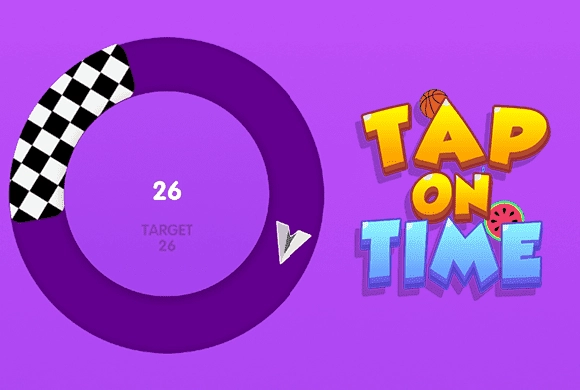
The challenge centers on the timing of each tap. Read the plane and the next obstacle together before making the input.
Controls
Tap the screen at the moment needed to guide the plane past the approaching obstacle.
Use the obstacle opening to judge the next tap
The plane's passage depends on when you tap. Follow its movement toward the obstacle and time the input around the available opening instead of tapping continuously. After clearing one hazard, read the next spacing before repeating the timing. The useful rhythm comes from the arrangement in front of the aircraft, not from using an identical interval throughout the route.
Guide the plane safely past the obstacles
Watch the approaching obstacle before deciding when to tap. Base the next tap on the new obstacle rather than repeating an automatic rhythm.
Tapping repeatedly without looking ahead can lose the timing the next obstacle needs.
Treat the obstacle as the timing reference
Watch the plane's position relative to the approaching obstacle and choose the tap from that relationship. A successful rhythm from an earlier gap may not fit the next arrangement. Re-establish where the safe passage is before repeating the input.
After a failed attempt, distinguish an early action from a late one. Move the timing a little in the relevant direction instead of simply tapping more often. The purpose of the input is a safe passage, not the highest number of taps.
This guide is based on the supplied game instructions.
Questions about Tap On Time
Why can the same tapping rhythm stop working?
The timing needs to fit the plane's position and the obstacle in front of it. Read the current opening rather than relying on a fixed interval.
Something not working?
Tell us the game name, your device and what happened at mia@minigame.xin.