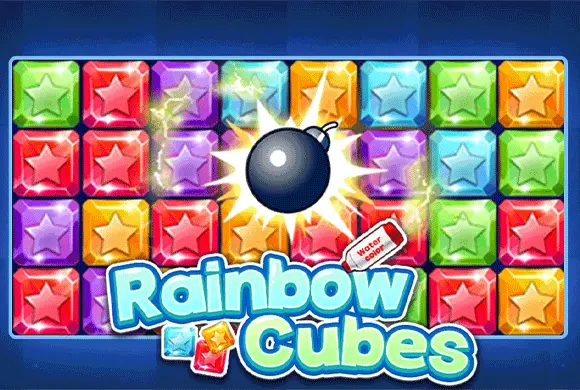
Rainbow Cubes: check the puzzle mode before placing a shape
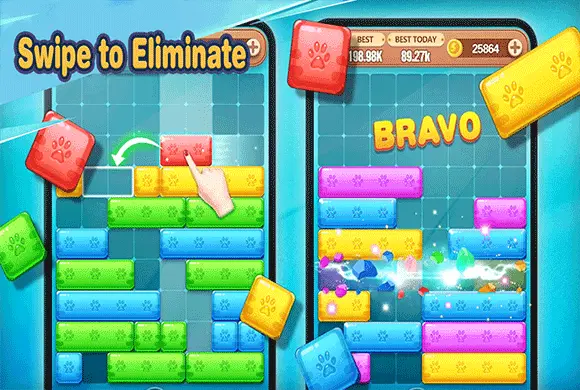
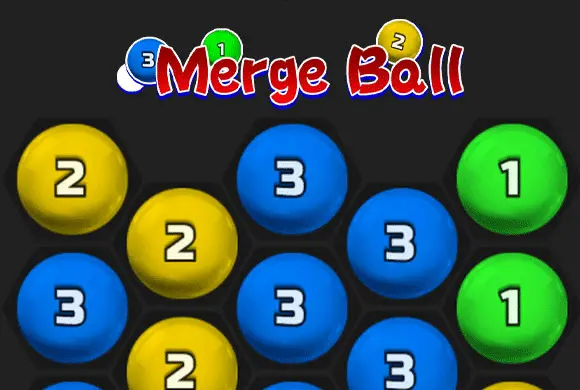
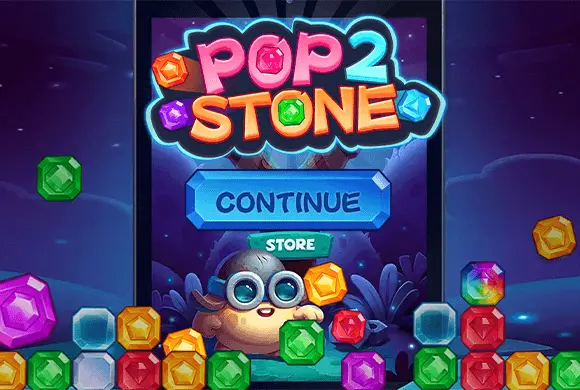
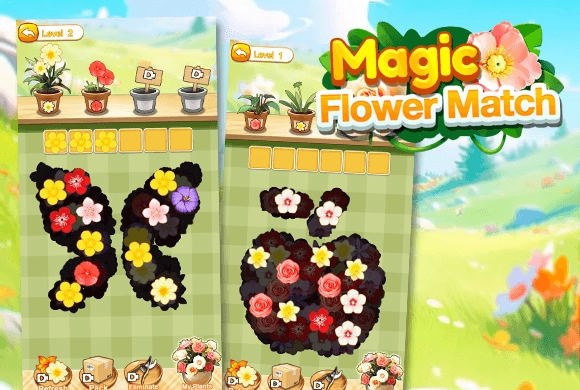
Rainbow Cubes contains several shape-fitting puzzles, including grid layouts and tangram silhouettes. They share drag-and-place controls, but they do not all share the same completion rule. Choose a mode and read its board before planning the first placement.
In a grid puzzle, a useful piece can complete a line. In a silhouette puzzle, every piece has to contribute to the finished outline without overlapping another. The same habit will not solve both tasks equally well.
Controls
Hold and drag a shape from the tray with the mouse, or drag it with a finger, then release over the intended position.
Leave space for the shapes still waiting
For line-clearing grid modes, compare the pieces in the tray before filling the easiest gap. A narrow vacancy can be useful for one piece but leave no room for a wider one. Try to make placements that complete lines without scattering tiny holes across the board.
After a line clears, inspect the new space before continuing. The removal changes which placements are possible, so a plan made before the clear may need adjusting.
Read the outside edge of a tangram
In tangram mode, the target is the outline itself. Compare long edges and corners with the available shapes, then test placements that fit those boundaries. A shape that lies inside the silhouette still needs to leave a compatible space for every remaining piece.
Check for overlap as well as coverage. The goal is a complete fit of the provided pieces, not merely covering much of the picture with the first few shapes.
This guide is based on the supplied game instructions.
Questions about Rainbow Cubes
Why did a completed shape not clear a line?
Check the selected mode. Tangram asks you to fit an entire silhouette, whereas the grid modes use filled lines or rows as their clearing objective.
What should I check before releasing a piece?
Compare the intended space with the full outline of the piece and look at what remains in the tray. A placement should help the next piece as well as fit the current one.
Something not working?
Tell us the game name, your device and what happened at mia@minigame.xin.