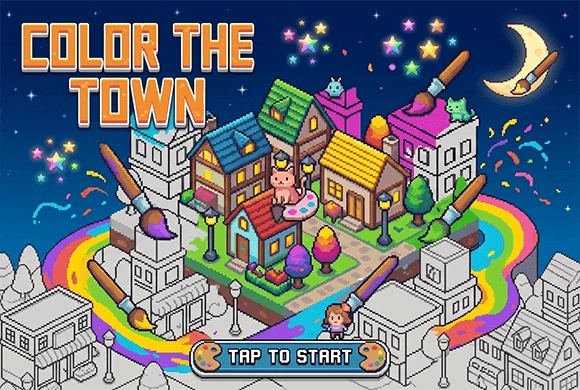
ColorTheTown: each colored object contributes to the town map
Numbered colors turn each picture into a matching task, and completed pictures supply keys for the town. Work on one color at a time when the grid is busy, then zoom out to find unfilled sections. Enlarging the image helps separate neighboring numbered squares.
Controls
Tap: Select color and fill squares. Two-Finger Pinch: Zoom in/out. Two-Finger Drag: Move/Pan the picture.
Each colored object contributes to the town map
Your main goal is to complete pixel puzzles to earn keys and unlock more of the town. Start by selecting an available street on the map. Tap on a gray object to enter the coloring screen. At the bottom, you'll see a row of numbered colors. Tap a color and then tap the corresponding numbered squares on the grid to fill them in. You can use two fingers to pinch and zoom in for more detail, or drag across the screen to pan around.
If you get stuck, look for the "Hint" icon (lightbulb) to reveal the next correct placements. Once a picture is 100% complete, you'll receive key fragments or full keys. Use 5 keys to unlock any new street and continue your creative adventure. Successfully lighting up 10% of a street's objects will grant you a bonus unlock key!
Interactive Town Builder
Use your completed puzzles to illuminate and beautify various streets and districts across a massive world map.
Adorable Collection System and Multi-Stage Exploration
Unlock and collect a wide variety of charming animal characters and unique urban landmarks.
Discover new areas by earning "Unlock Keys," with difficulty gradually increasing to keep you engaged.
Complete color-by-number pictures and use their keys to unlock more town areas
Finish a visible cluster of one number before changing the palette selection. Zoom in to inspect small uncolored areas near the end of a picture.
A visually similar color is not a substitute for the square's assigned number. A small unfilled patch can prevent the picture reaching full completion.
This guide is based on the supplied game instructions.
Questions about ColorTheTown
How do I get more unlock keys?
Keys are primarily earned by completing 100% of a pixel puzzle or by reaching 10% progress in a specific street's coloring objects. .
Can I change a color if I make a mistake?
Yes, simply select the correct color for that number and tap the square again to fix it.
Why can't I see the numbers clearly?
Use two fingers to pinch and zoom in on the picture. The numbers will become much larger and easier to see.
Something not working?
Tell us the game name, your device and what happened at mia@minigame.xin.