Anime Avatar Maker: build the face before adding the outfit
The character is assembled across separate menus, so changing one category does not require starting the entire design again. Work from the base appearance toward clothes, accessories and a setting.
Controls
Tap: Select items, categories, and navigate menus. Scroll: Browse through long lists of accessories and clothes.
Build the face before adding the outfit
Start by selecting an empty character slot on the main menu. First, customize the facial features by selecting tabs for eyes, eyebrows, nose, and mouth. You can choose from various colors and styles for each. Next, move on to the hair section to pick bangs and back hairstyles. After the base is ready, open the clothing menu to browse through tops, skirts, socks, and shoes. Tap on any item to see it applied to your character instantly.
Once satisfied, click the background tab to select a setting. Finally, tap the camera icon to take a photo of your avatar. Your design will be ranked, and you can save it directly to your device!
Infinite Customization
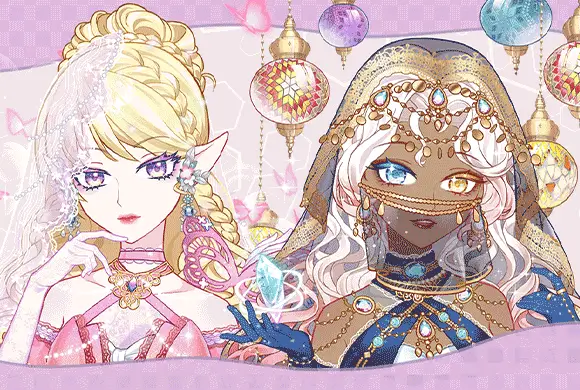
Tweak facial features, hairstyles, and skin tones to create truly unique anime personas.
Massive Fashion Library and Daily Rewards & Blind Boxes
Choose from thousands of clothing items, including dresses, school uniforms, and casual wear.
Unlock rare accessories and exclusive outfits through consistent sign-ins and fun blind box openings.
Enjoy high-quality anime-style visuals and a variety of scenic backdrops for your character.
Create a coordinated avatar and capture the finished design
Set the main facial features and hairstyle before choosing accessories that could cover them. Compare an item against the whole character after selecting it, rather than judging it only from its menu thumbnail.
A busy accessory can hide a feature you wanted to emphasize; inspect the full preview before finishing.
This guide is based on the supplied game instructions.
Questions about Anime Avatar Maker
Can I edit a character after saving it?
Yes, simply select the saved character in the "Choose image" screen and click the "Edit" button to make changes.
Something not working?
Tell us the game name, your device and what happened at mia@minigame.xin.