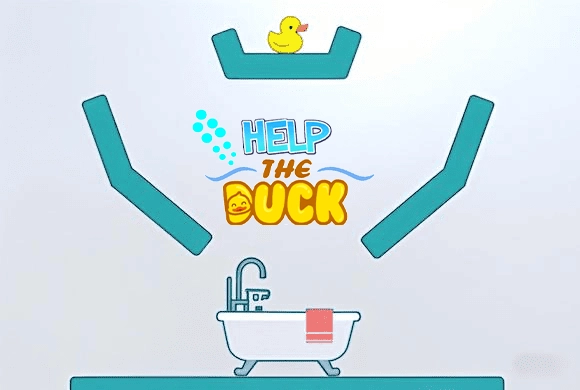
Help The Duck: use the water's route to guide the ducklings
Help The Duck gives you indirect control: you influence the ducklings through water rather than moving them yourself. The useful question is where the released flow will go and how it will meet the duckling on its way to the pond.
Controls
Tap the screen to release water and use its flow to guide the ducklings into the pond.
Use the water's route to guide the ducklings
Tapping releases the water that moves the ducklings toward the pond. Look at the direction the stream will take before adding more, since the aim is to guide the ducks with the flow rather than move them directly. Watch the effect of a release on their position, then adjust the next input around the remaining distance and the route into the pond.
Guide the ducklings into the pond using the water flow
Follow the water from release to duckling instead of watching only the final pond. Observe one release before adding more taps so you can see which action changed the movement. If the flow misses a duckling, reconsider where it travels rather than repeating the same input rapidly.
Tapping is a water-release action, not direct dragging of the duckling. Repeated taps without observing the flow make it harder to identify why the duckling moved the wrong way.
Judge the water's route as well as the duck's
Look between the water outlet and the pond before releasing water. The useful flow has to reach the duckling and move it toward the destination. Water sent into an unrelated part of the scene does not help simply because the screen contains more of it.
After an initial release, watch the direction in which the duckling moves. Use that response to guide the next action, rather than assuming repeated taps from the same situation will eventually send it the right way.
This guide is based on the supplied game instructions.
Questions about Help The Duck
Do I move the duckling directly?
The documented action releases water. Use the resulting flow to guide the duckling into the pond.
Something not working?
Tell us the game name, your device and what happened at mia@minigame.xin.